Home / PC version
Platform guide · checked 26 Nov 2026
Azur Promilia PC: client, specs and the emulator question
One official Windows client, four regional distributors, no Mac build. For players outside the launch regions it is usually the least fragile way in — here is what it asks for and what it does not fix.
The short answer
PC is the least fragile way in, if your machine qualifies
One official Windows client per region, 120 GB, and a hard 16 GB RAM floor. It does not give you English, and it does not move your account between regions.
Check my PC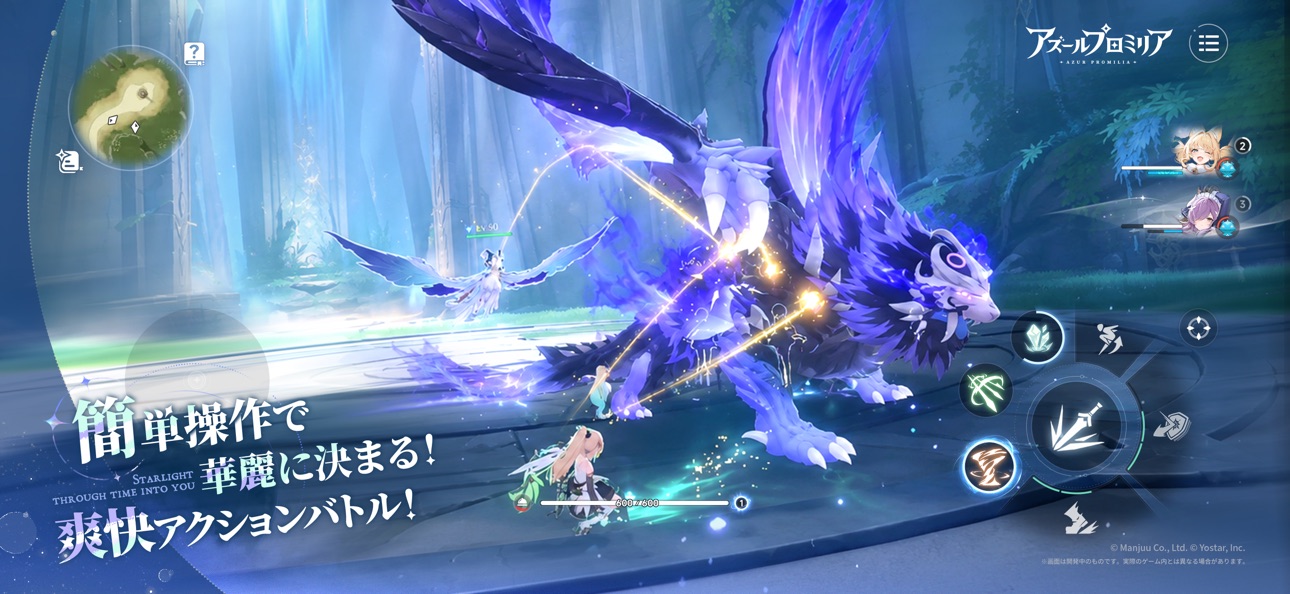
There is one official PC client, and it is Windows only
Azur Promilia ships a real Windows client, not a browser wrapper. It is distributed in each region by that region's publisher: Yostar in Japan, Manjuu in mainland China, Nexon in Korea, JIMI in Taiwan, Hong Kong and Macao. There is no global installer, and there is no Mac or Linux build.
For players outside the launch regions, the Windows client is usually the least fragile way in. There is no app store region in the way, it updates itself, and it does not tie you to a phone you might replace in a year. The account still has to be created on the service you are installing, and that part is unavoidable.
What it asks for
The published floor is not gentle. Windows 10 64-bit or later, DirectX 11.1, an Intel Core i5-9400F, a GTX 1060 or equivalent, 16 GB of RAM and more than 120 GB of free storage. The recommended build swaps in an i7-10700K and an RTX 2060, and keeps everything else the same.
The two numbers that actually stop people are 16 GB of RAM and 120 GB of disk. Both are floors, not targets: this is a working set that grows with patches, so plan for headroom above 120 GB rather than exactly 120. The spec check runs your hardware against both tiers if you want the short version.
Install it on an SSD, and not just for frame rate
This is an open-world game that streams assets while you run. On a mechanical drive the frame rate is survivable but every region transition becomes a pause, and those pauses are what people quit over. The published requirements do not distinguish between drive types, which is why the difference surprises people after they have already downloaded 120 GB.
Emulators: what they are actually for
Emulators are for people who cannot get the PC client — usually because their account is on a mobile service and the PC build is not offered to them. That is a legitimate use, but it comes with three costs worth knowing before you spend an evening on it:
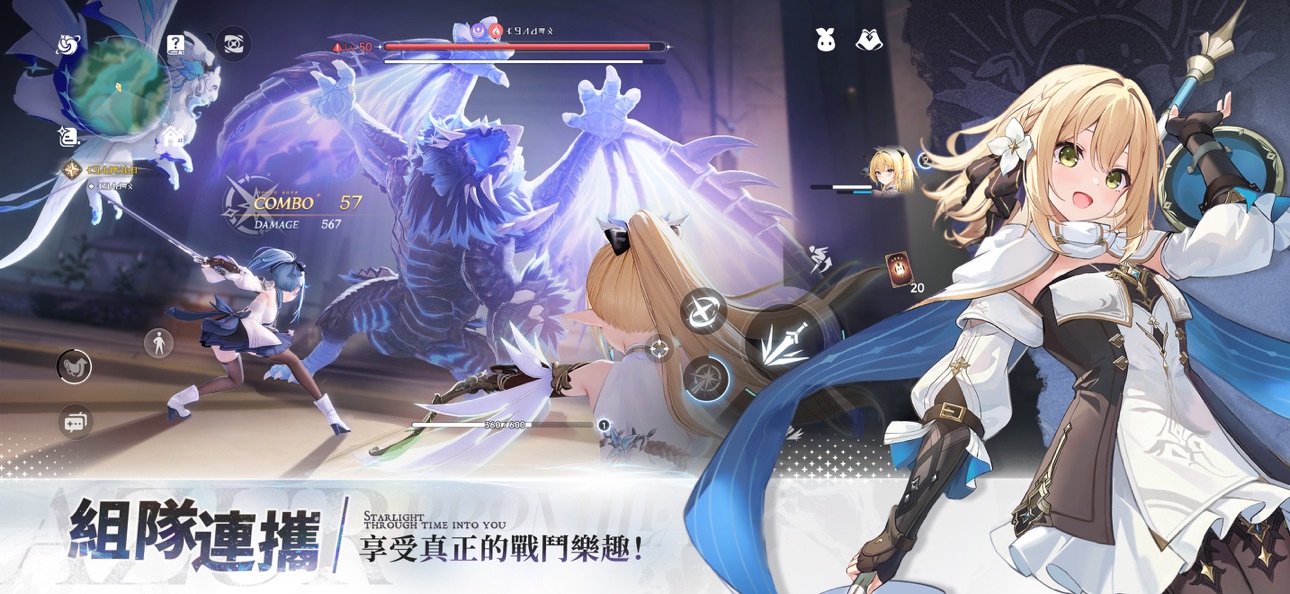
Input mapping is the whole game. An action game with dodging, blocking and linked attacks plays badly on a virtual joystick. If you are going to emulate, map attack, skill, dodge and switch to keys before you start, not after you get stuck.
Performance is unpredictable. An emulator on a machine that meets the PC spec can still stutter, because you are running two systems. Do not judge the game by how it runs in an emulator.
Account risk is real. Running a mobile client through an emulator is tolerated by some publishers and not by others, and the terms of service are the only thing that decides. We are not going to tell you it is fine.
Controls, briefly
On PC the layout is the standard action-RPG shape: WASD to move, mouse for camera, a light and heavy attack, a skill key, dodge, and a party switch. The interface puts the map top-left and party status top-right, with the action cluster under your right hand. Keyboard rebinding exists, and the first thing worth changing is dodge — put it somewhere your thumb can reach without leaving the attack keys.
What PC does not fix
It does not change the language. A Japanese client is still Japanese on a PC. It does not move your account between regions. And it does not make the English build arrive earlier — that is still a summer 2027 open beta on its own US server, with its own accounts.
Before you spend 120 GB
Check the two numbers that matter
The published floor is an i5-9400F, a GTX 1060, 16 GB of RAM and 120 GB free. The two that actually stop people are the RAM and the disk.
Pick your region before you download
Region decides the client and the account. Installing the Japanese client means a Japanese account, permanently — progress cannot be moved later.
Install on an SSD with headroom
The download is about 120 GB and patches add to it. Install on an SSD; on a mechanical drive every region transition becomes a pause.
Rebind dodge and switch first
Move dodge somewhere your thumb reaches without leaving the attack keys, and map party switch where you can hit it while moving. Do this before the first boss, not after.
What you need to know before downloading
- ClientA real Windows client, not a browser buildDistributed per region by that region's publisher. There is no global installer.
- Specsi5-9400F, GTX 1060, 16 GB RAM, 120 GBMinimum. Recommended is an i7-10700K and an RTX 2060, with the same RAM and disk floor.
- StorageSSD or prepare to be annoyedAssets stream while you run; on a mechanical drive every region transition becomes a pause.
- Cross-savePC and mobile share a save inside one regionAcross regions nothing is shared. A JP account cannot log in on another publisher's client.
- EmulatorEmulators are a fallback, not an upgradeInput mapping, unpredictable performance and account risk. We do not recommend them over the official client.
PC questions
What are the PC requirements?
Windows 10 64-bit, DirectX 11.1, an i5-9400F, a GTX 1060 or equivalent, 16 GB of RAM and more than 120 GB of free storage. Recommended is an i7-10700K and an RTX 2060.
Is there a Mac version?
No. The client is Windows only. There is no Mac or Linux build and nothing has been announced for either.
Which PC client should I install?
Each region's publisher distributes its own client. For players outside the launch regions the Japanese client from Yostar's official site is the usual route, but the account is still created on that service.
Does PC share progress with my phone?
Inside one region, yes: PC and mobile share one account and one save. Between regions nothing carries over.
Can I just use an emulator?
They work, but they are a fallback for people who cannot get the official client. Input mapping is worse, performance is unpredictable, and whether it is allowed depends on the publisher's terms.
Does the PC version have English?
No. A Japanese client stays Japanese on a PC, and no client has an English interface before the 2027 open beta.